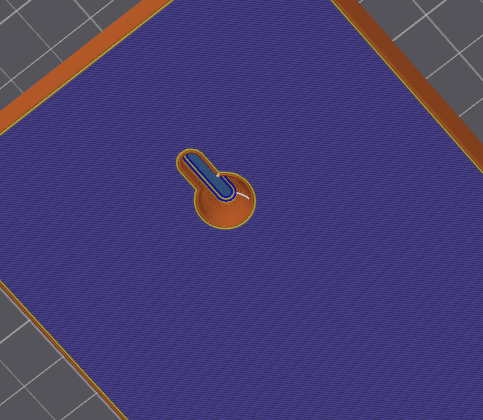
This is a file that you can add to your slicer to be able to add keyhole hanging slots to your model. This will create a negative space on the back of the model so you can hang it on a wall with a screw head. How to integrate it into your model:
First download the .stl file from this website, then add it to your model in the slicer:
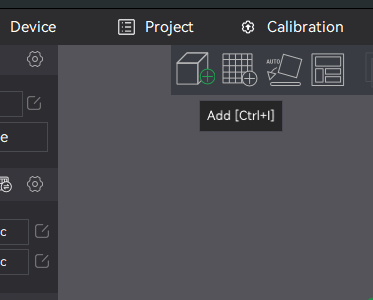
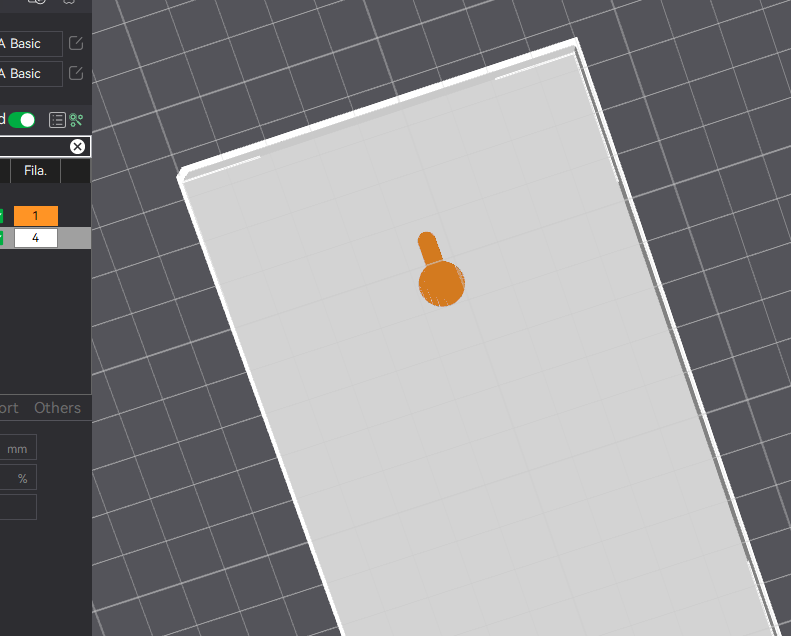
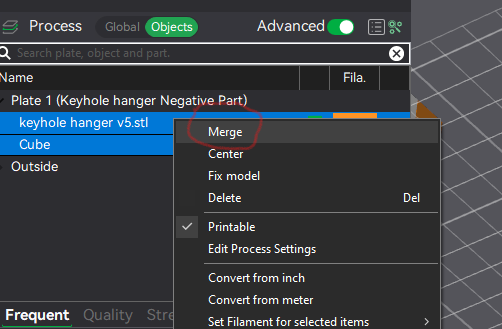
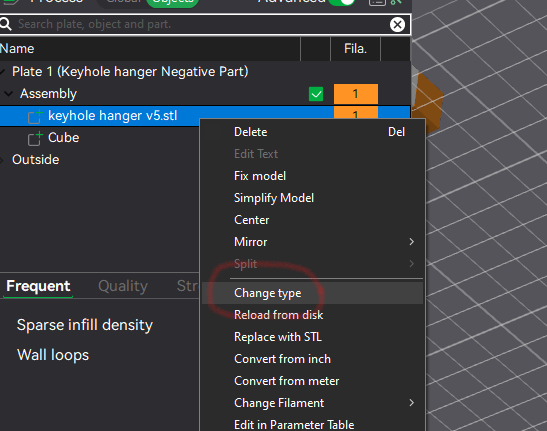
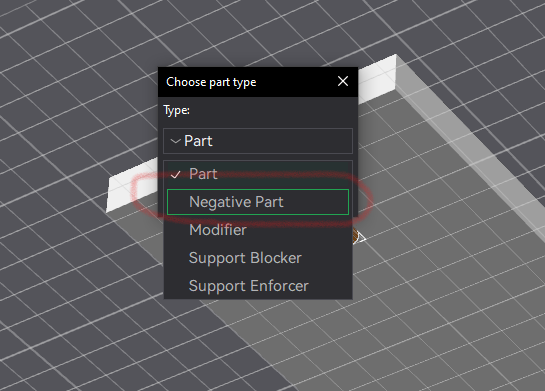
Use ctrl+I to add the downloaded keyhole hanger.stl fileMove camera under object and place it where you want itIn object view, select both your object and the keyhole hanger, right-click and merge the 2Next right click the keyhole hanger in the new assembly and select change typeChange it to a negative partSlice it and see your new hanger hole!Boost MeSupport my work and give me a boost!
Design by SpacemanSpiff🚀 on MakerWorld (license: BY).