
Allen key handles


Allen key handles
June 6th, 2026: I have noticed that the tools included with the A2L are a little different, as they are round in the middle part and have a very short on the short part. I'll try to do some tests, and if it works out, add some print profiles, but the current ones probably don't work.
January 31st, 2026: Updated to version 1.1 with redesigned internals including bend radius tolerance
These are small print in place handles for regular Allen keys or hex L-keys, eg. the ones that is included with the printers from Bambu Lab. The tools used to have an over moulded plastic part around the metal key, but more recent deliveries have a slightly different size tool without this handle part.
This design aims at being relatively small, so that the tool still fits in different organizer bins or similar and fit the new size, where the short part of the L is quite a bit shorter than the original.
There are other designs for the Bambu Lab tools, but this is parametric and you can use the customizer on makerworld.com to make different sizes for other tools in the same design, besides the 1.5mm and 2.0mm ones that are used with the Bambu Lab printers.
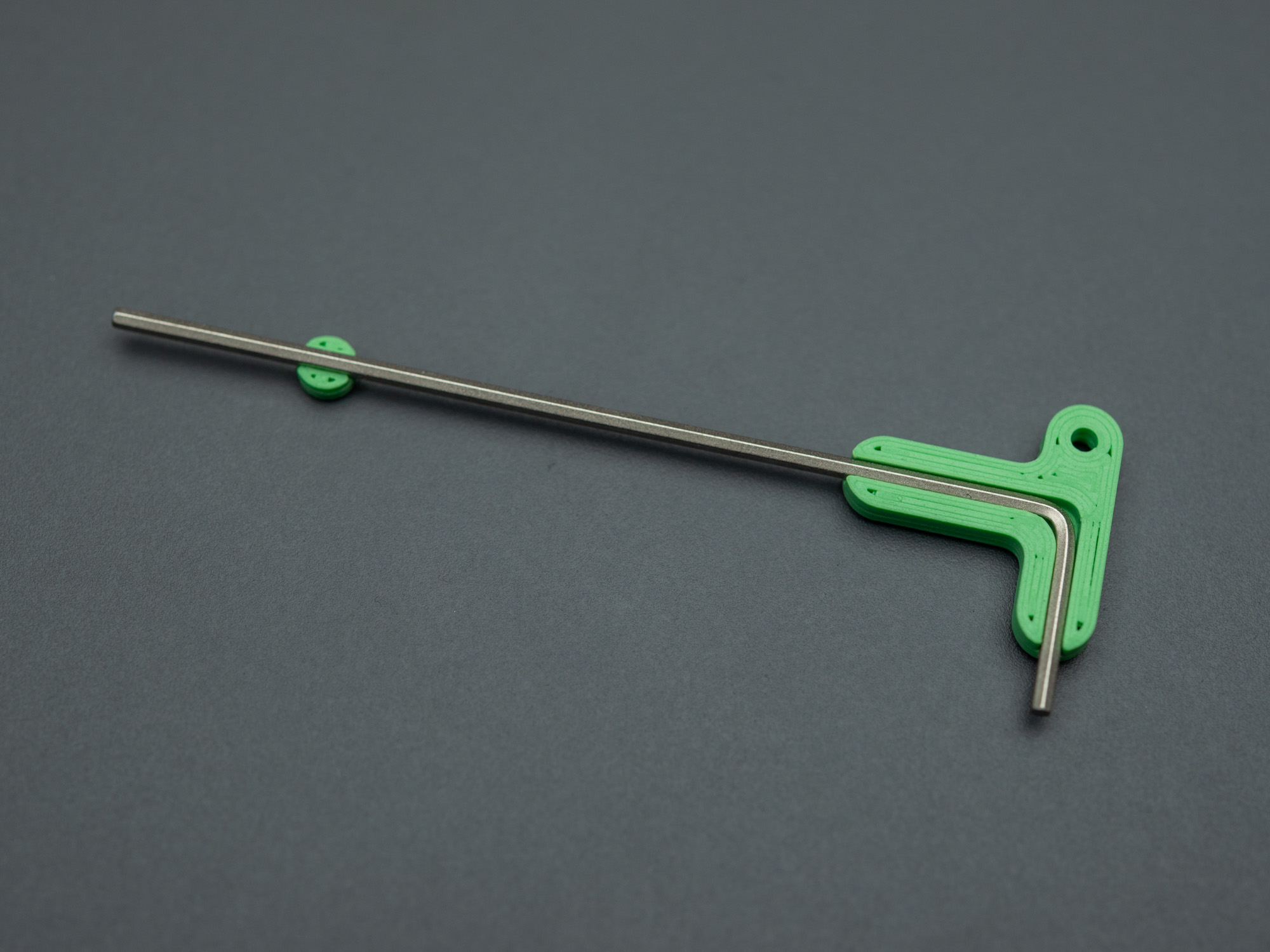
The print profiles that I have uploaded includes a pause, right before it starts to print over the opening, and this is the time to place the Allen key and make sure to press it all the way down so that it doesn't stick up over the print. If it sticks up, your printer head will collide with the metal when printing the next layer, which isn't good.
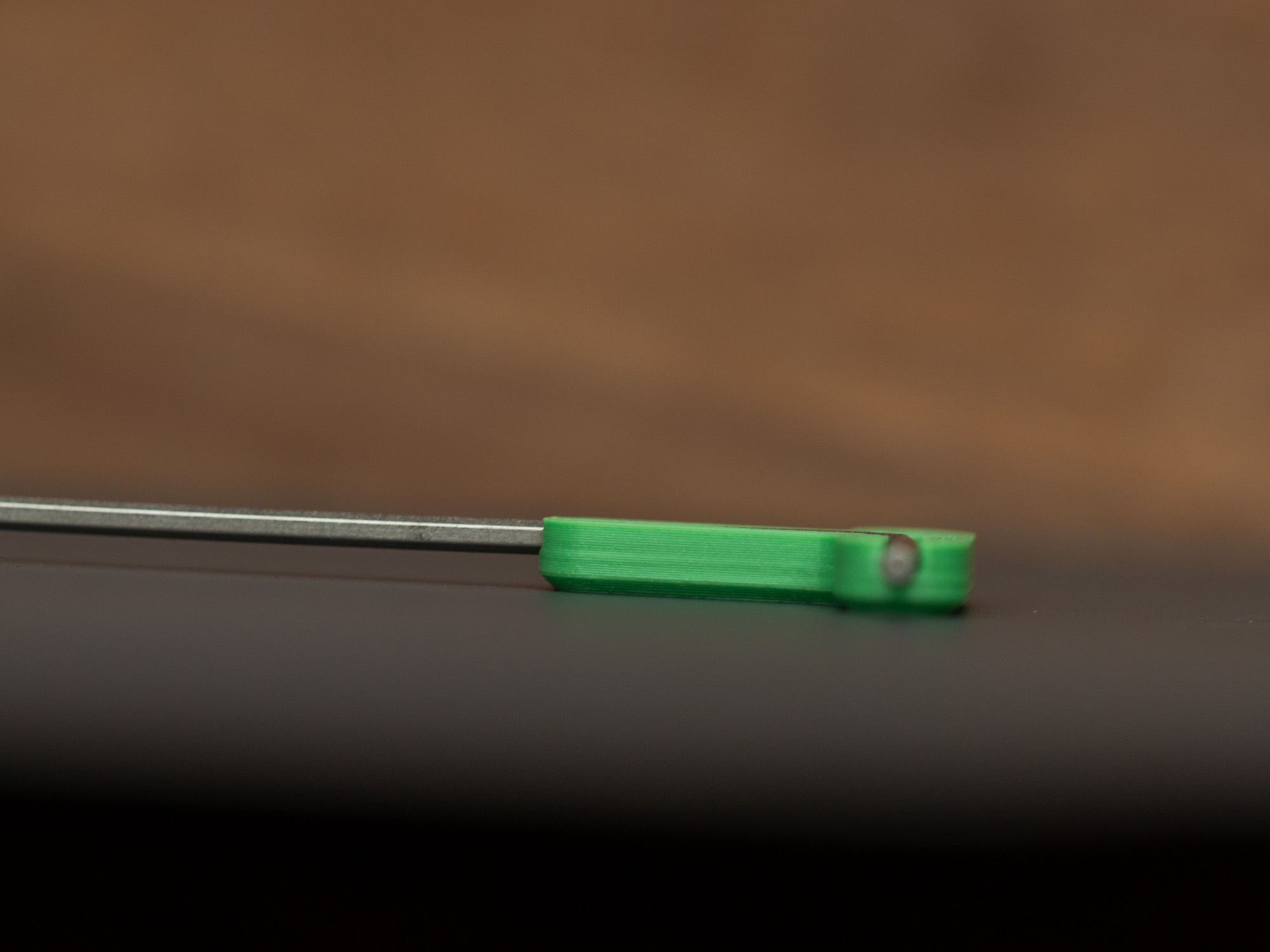
There is a small piece sitting next to the handle to help hold the Allen key, though it should stay put until it has been covered.
If you use the customizer, you will need to download an STL file and inside the slicer (eg. Bambu Studio), you should add a pause on the last layer right before it starts covering over the opening. You simply right click on the layer in the slider all the way out to the right and select “Add pause”
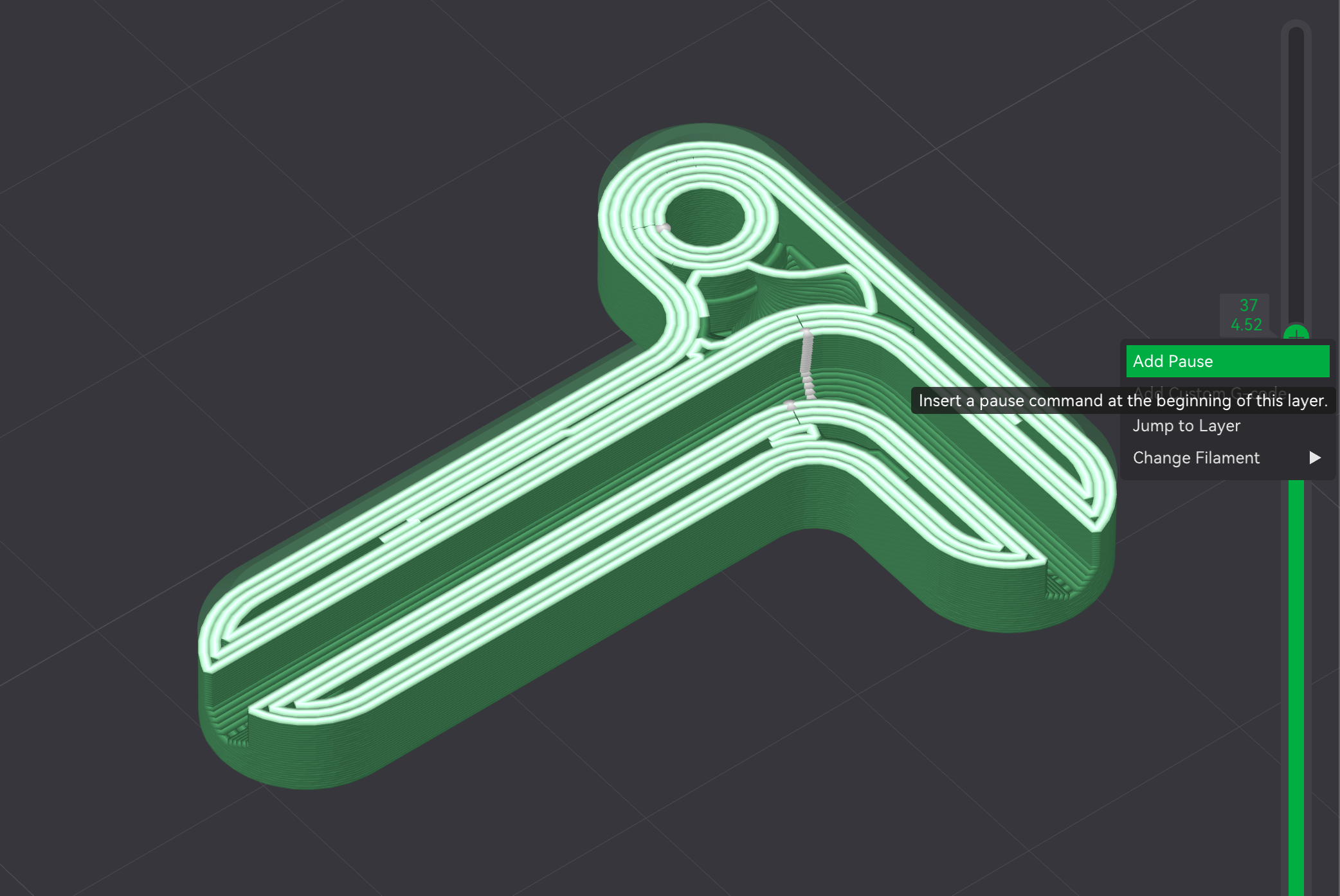
The pause will be indicated with a little marker in the layer selection scroll bar

Version 1.1 changed the internals, to that there are a bit of tolerance for the bend corner radius, as that might differ a little bit due to production or in case of customized versions, the measuring of that radius can be a little tricky. If it binds either on the inside or outside when you insert the L-key, you should adjust the radius (if it touches on the inside, you need a larger radius, if it touches on the outside, you need a smaller radius). This adjustment should only be needed for designs using the customizer, the included print profiles have been updated to include some tolerance.
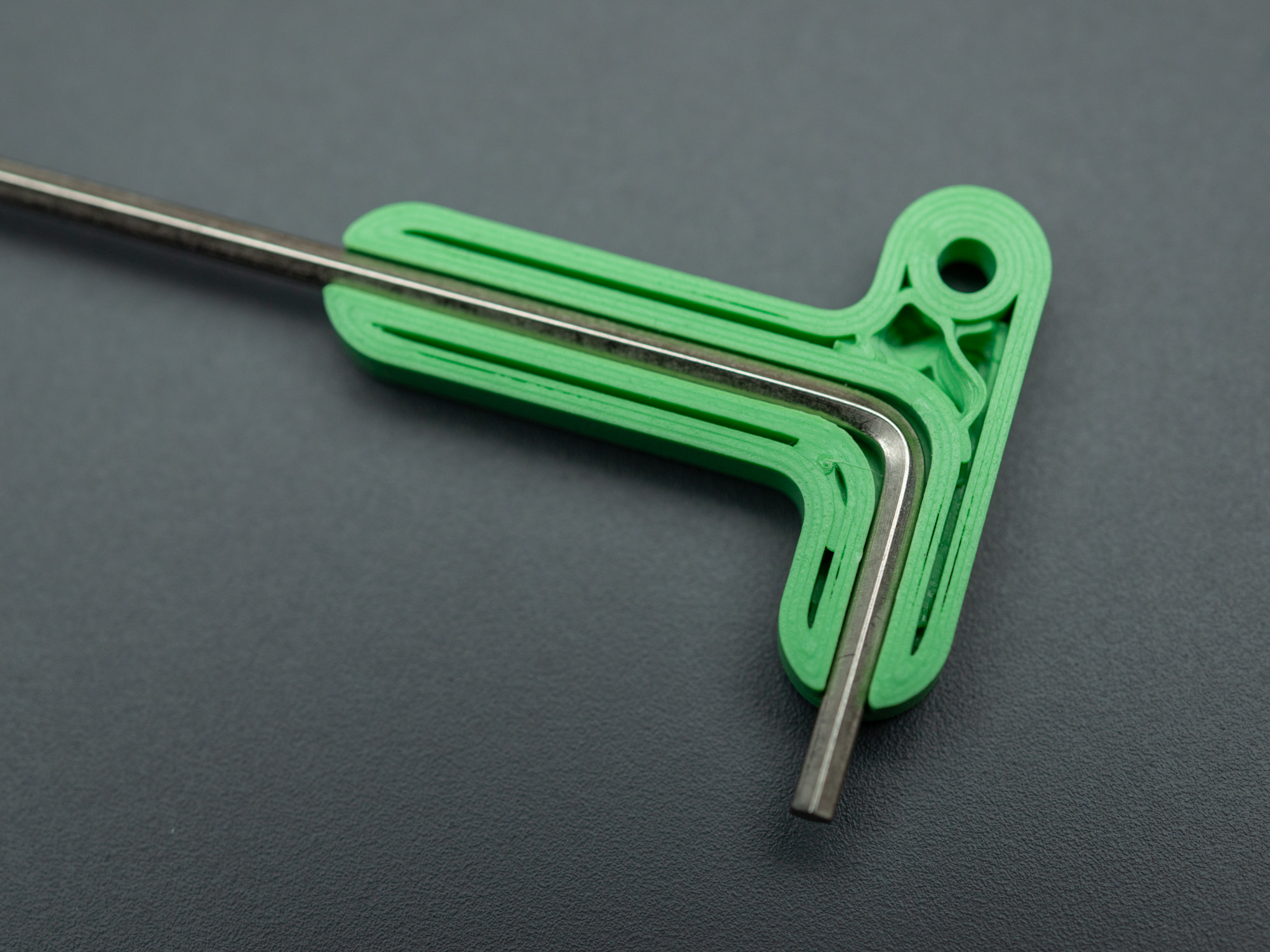
I made these to fit in my A1 Tool organizer insert for Mini Systainer but they should fit in many other cases that has space for the original tools.
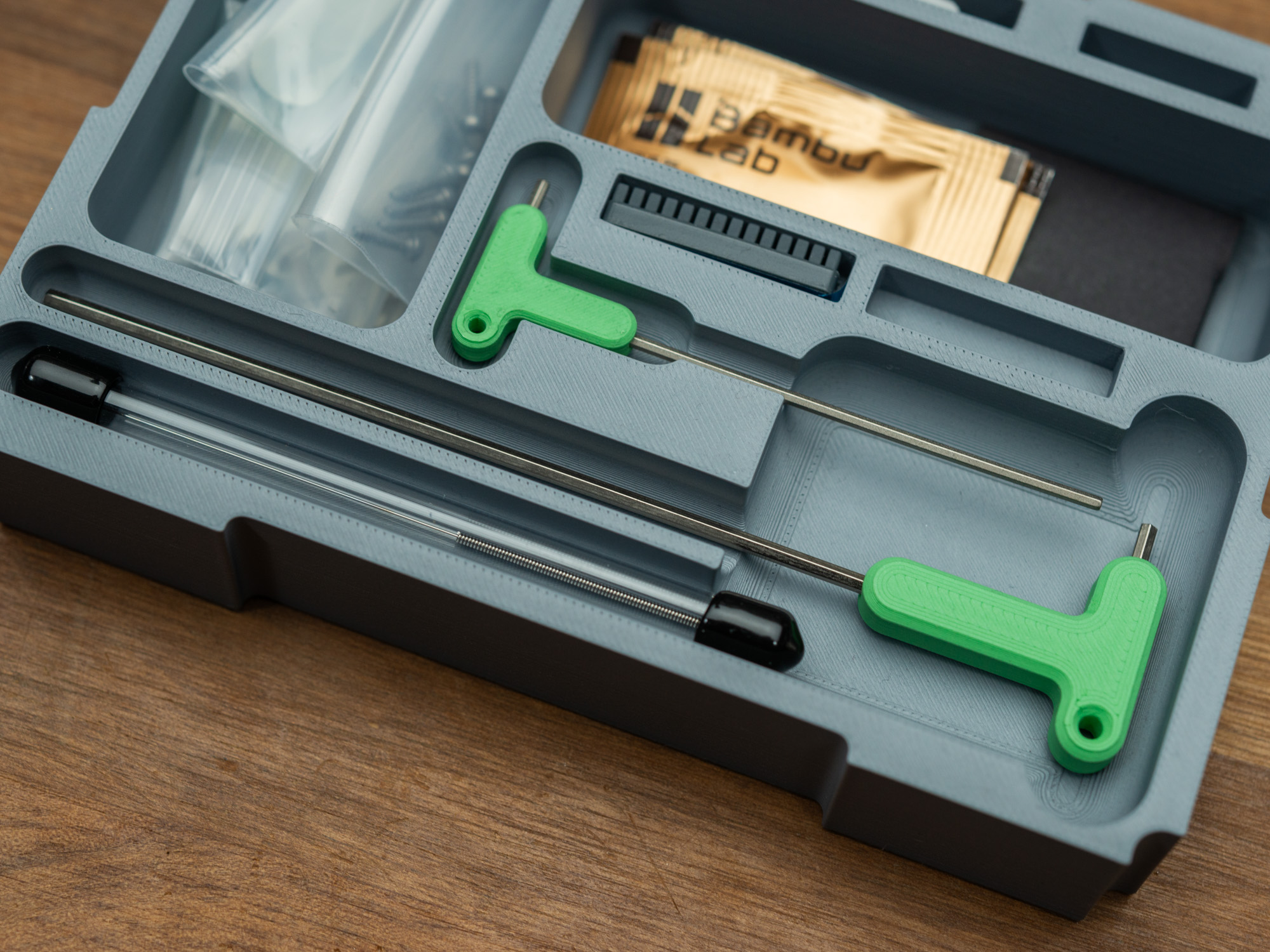
Design by flummer on MakerWorld (license: BY-SA).