

Gridfinity Toolbox with Custom Cutouts

Gridfinity Toolbox with Custom Cutouts
- Made to order — 3D printed after you buy
- Free shipping on orders over $25
- Quality checked before it ships
- Questions? Contact us · Returns
Create custom Gridfinity toolboxes
Usage
Create Gridfinity toolboxes with personalized cutouts for your tools in just a few steps.
Scan your tools
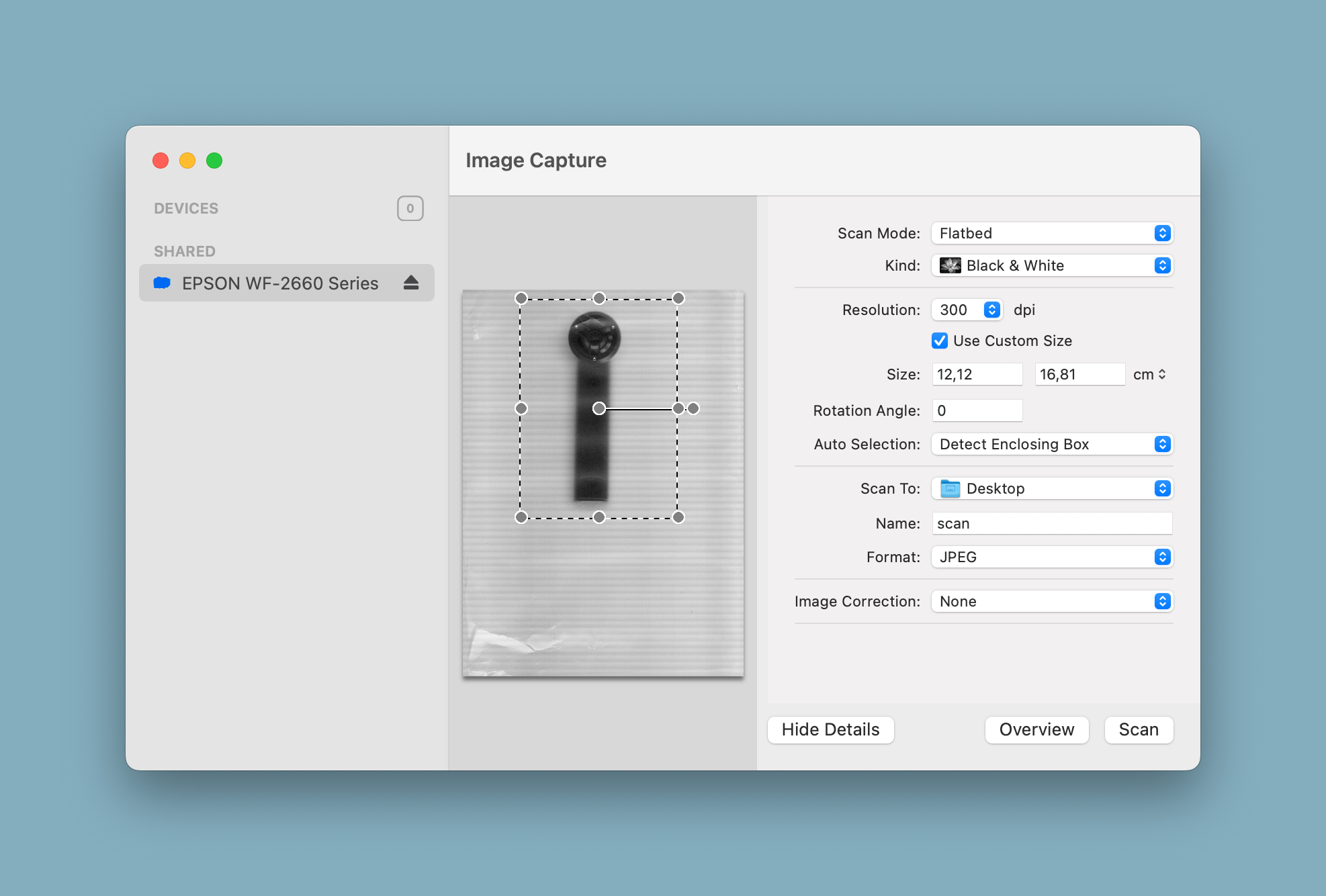
Scan your tools with a flatbed scanner and don't close the lid. This will give you a top-down view of your tools.
Using a scanner over a camera will give a perfectly scaled image of your tools, which is important for the next steps.
Create an SVG outline
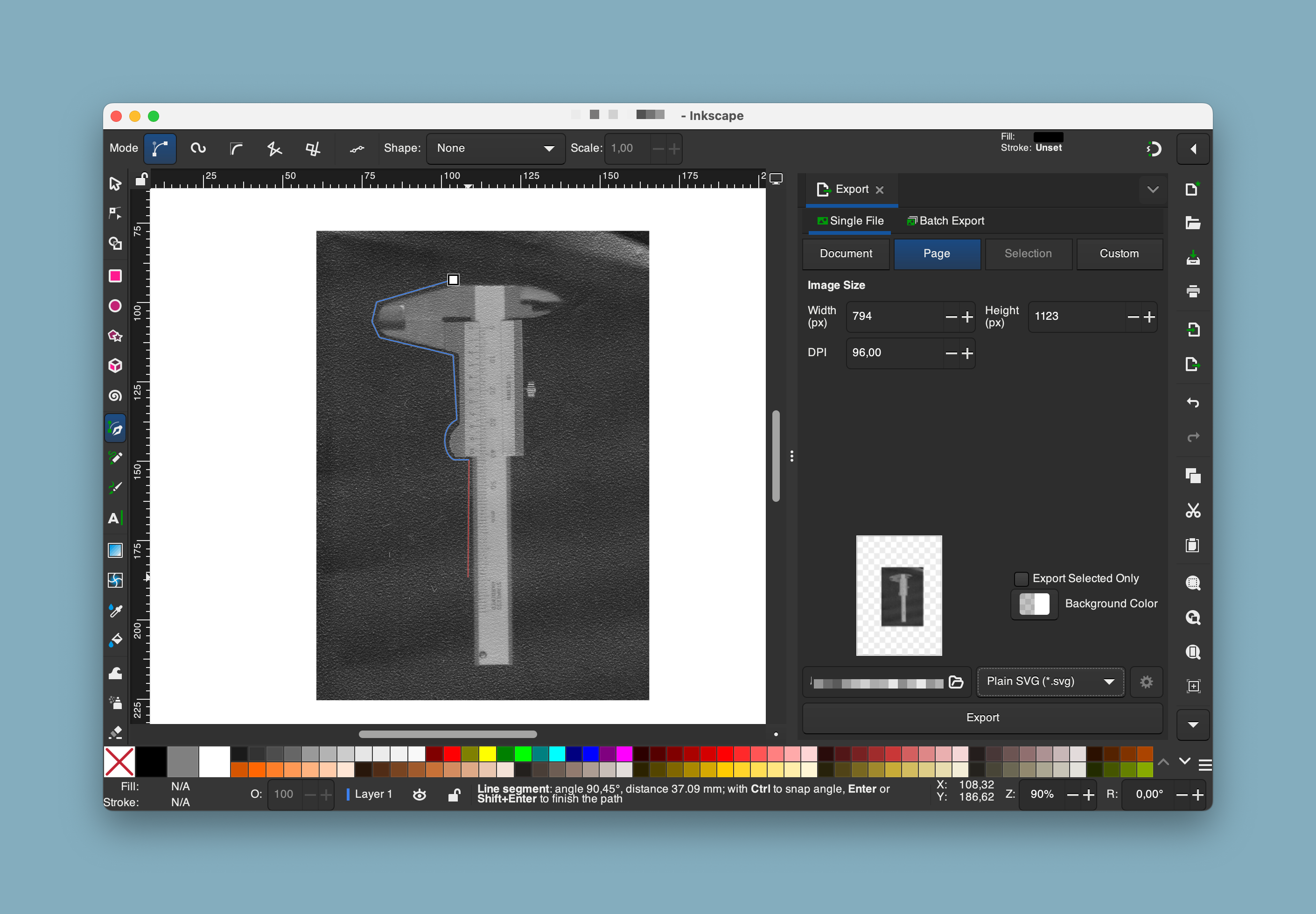
Open your scanned image in Inkscape. Inkscape is a free and open-source vector graphics editor.
Now start tracing the outline of your tools with the Pen tool (B).
Export the SVG
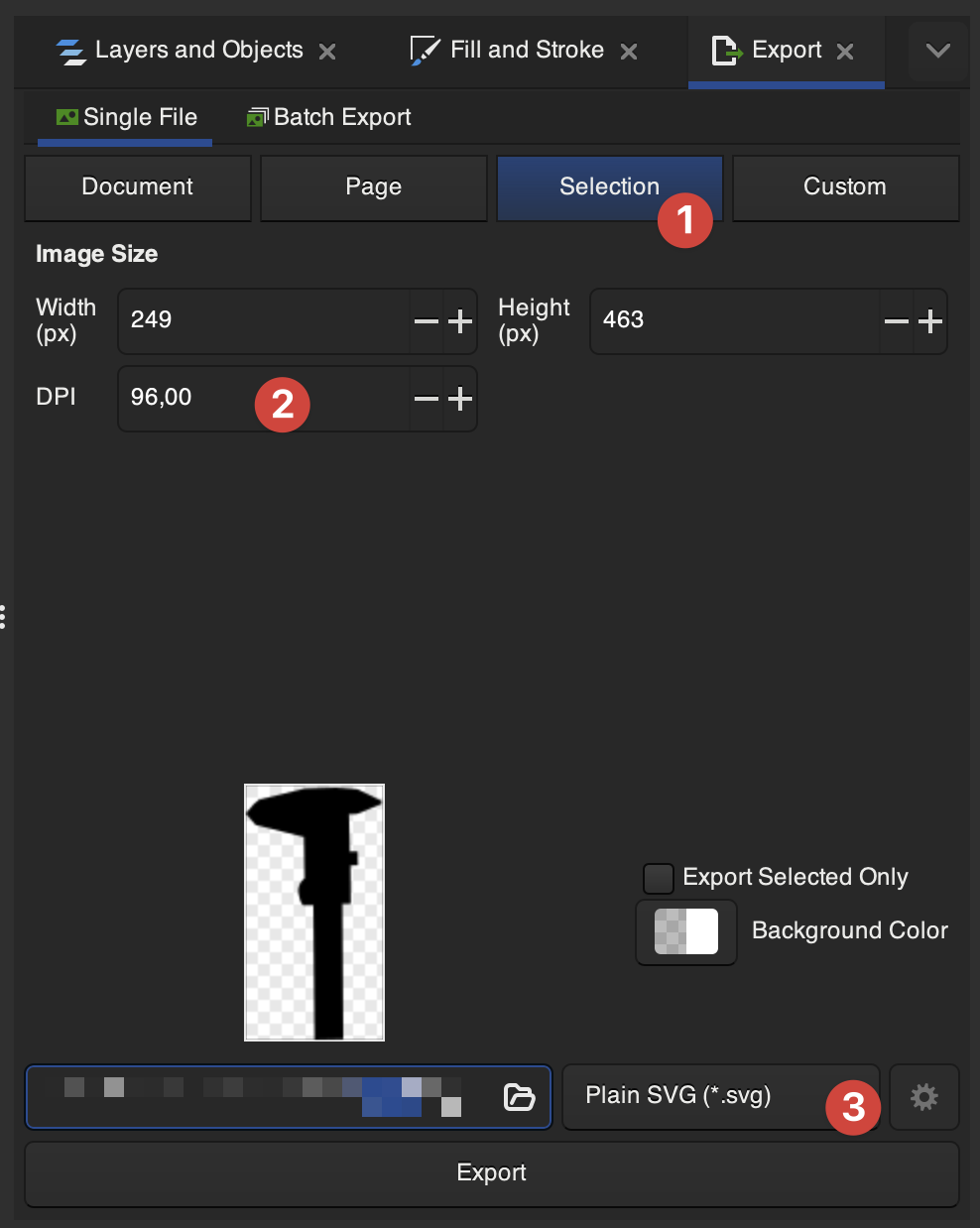
Once you have traced all your tools, export the file as an SVG. Make sure to select your paths and go to File > Export… and select Selection. This will remove any extra white space around your tools. Now export to an SVG file. Please make sure to note down the DPI at which you are exporting the file to use in the next steps.
Please make sure to note down the DPI at which you are exporting to use in the next steps.
Create a toolbox
Now you can create a toolbox with your custom cutouts. Click Customize above and select your SVG file.
Next, adjust the size of the toolbox and to fit your tool cutouts.
That's it! You can now download your custom toolbox and print it.
Design by codingjoe on MakerWorld (license: CC0).